
Attendee Help
How to Access Your Tickets
Learn how to find, view, and use your purchased tickets on Streets.
After you've secured tickets to an event, you'll need to know how to access them when it's time to attend. This guide will show you how to quickly find, view, and use your tickets on the Streets platform.
Finding Your Tickets
Streets makes it easy to access all your tickets in one place. Here's how to find them:
- Open the Streets app on your device
- Tap the Tickets icon in the bottom navigation bar
- You'll see all your tickets organized by date, with upcoming events displayed first
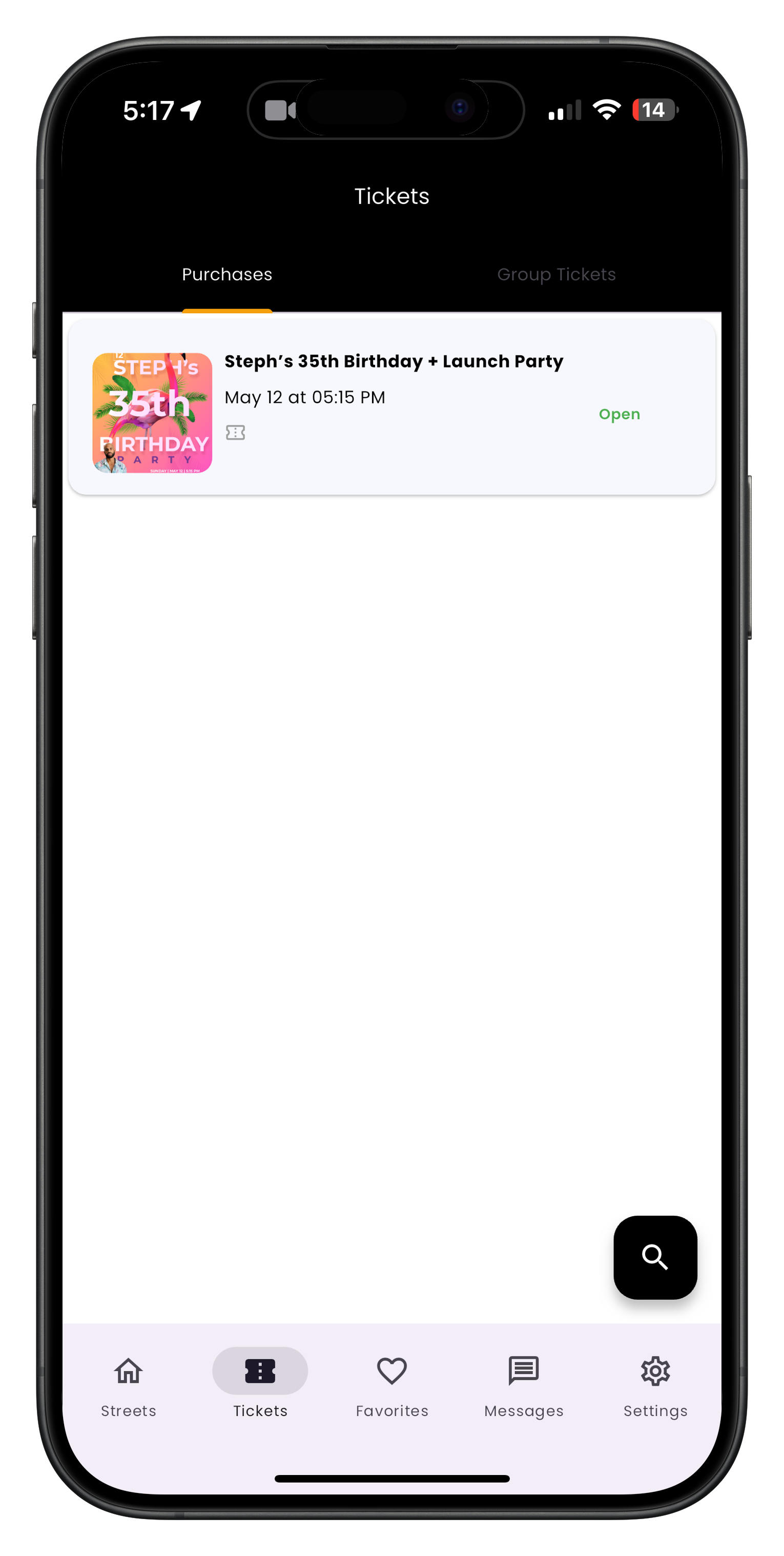
Image: Tickets page showing all your upcoming events
Viewing Ticket Details
To view the full details of any ticket, go to your Tickets page and tap the event you want to view.
Using Your Tickets at Events
When you arrive at the event, open the Streets app, go to your Tickets page, select the ticket for the current event, and show the QR code to event staff for scanning.
Some venues may have spotty internet connections. It's a good idea to access your ticket before arriving at the venue to ensure it's loaded on your device.
Need More Help?
If you're still experiencing issues with accessing your tickets, you can:
Enjoy Your Events!
Now that you know how to access and use your tickets, you're ready to enjoy amazing events on Streets without any hassle.
Learn how to find and purchase tickets